Your photos. Your flow. Your video.
AI Rap Video
Generator
Upload a starting frame, pick a scene, and create a personalized rap video with music and vocals. No recording or editing needed.
No studio. No complicated setup.
How to make a rap video with AI
Start with your photos, then give them a rhythm. Pick a scene, add a short line, and let the studio do the rest.
Upload your photos.
Use clear, well-lit photos of people or pets you have permission to use. Your photos guide the performers and the composition.
Pick a style and a line.
Choose a scene and a beat. Optionally add a short original lyric line to request a vocal. Keep it short so the voice has room to land.
Generate. Review. Make it yours.
Your job keeps running on the server, so you can come back to check progress. Review it, then download the MP4.
Find your next scene
Scenes for your next video
Start with a duet, a street freestyle or a choir scene. Browse the library and pick the vibe that fits your idea.
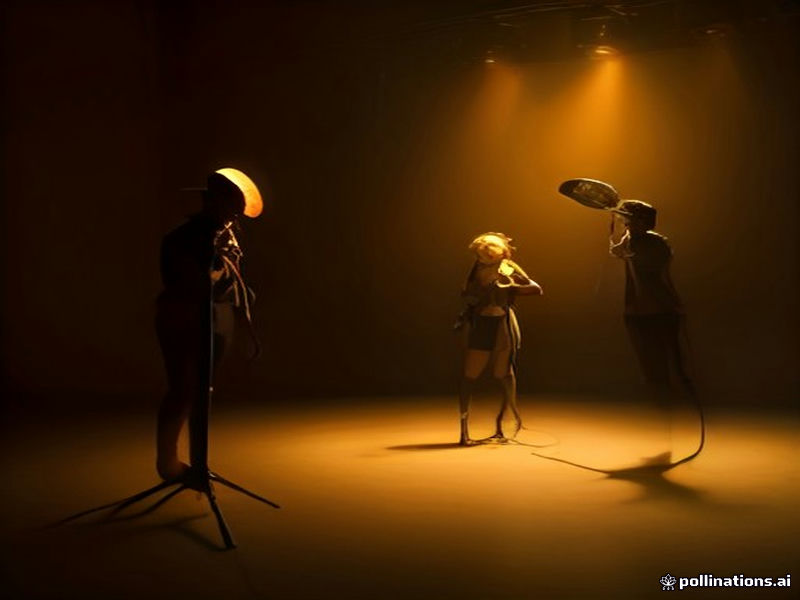
Neon Duet
Two performers, one microphone and a bold orange backdrop. A stripped-back studio duet.
Rap duoRooftop Freestyle
Warm sunset light, a portable speaker and a skyline. A relaxed freestyle with shoulder bounces.
Street freestyleVelvet Lounge
Soft lamps, glass tables and a quiet crowd. The lead scans the room before dropping the first bar.
Party sceneSunrise Choir
One calm lead in front of a swaying choir. Cats, dogs or a whole cast of characters can join in.
Choir sceneFind your inspiration
Your next performance starts here.
Explore these scene ideas, then upload your own photo and generate a video in the studio.
Neon street
A green jacket and neon signs give this original character a clear visual identity.
Rooftop sunset
Warm sunset light and an orange jacket frame a short rooftop performance.
Blue courtyard
A blue courtyard scene pairs an original character with a short requested line.
Credits for your next video
One-time credit packs. Choose a model and duration in the studio before generating.
Loading...
Return to studio →Before you hit play
Good questions.
Straight answers.
A few things to know about the studio, your work, and what comes next.
✳A standard 5-second video costs 100 credits. Pro models and longer clips cost more. The studio shows the exact credit cost before you submit.
No. The studio runs in your browser. You need an account to generate so we can keep your jobs and credits safe.
Yes. Most scenes accept up to two photos, one for each performer. Follow the slots shown for the scene you picked.
Paid packs include commercial use of the videos you generate, as long as you own or have permission to use the photos you upload.
No. Voices are generated and original. We do not clone real artists.
You can preview your video in the browser and download it as an MP4 with audio.
Yes. Pick a scene that uses a single performer and upload one clear, well-lit photo.
Credits for a failed generation are returned automatically.
Keep the ideas coming